About The Plugin
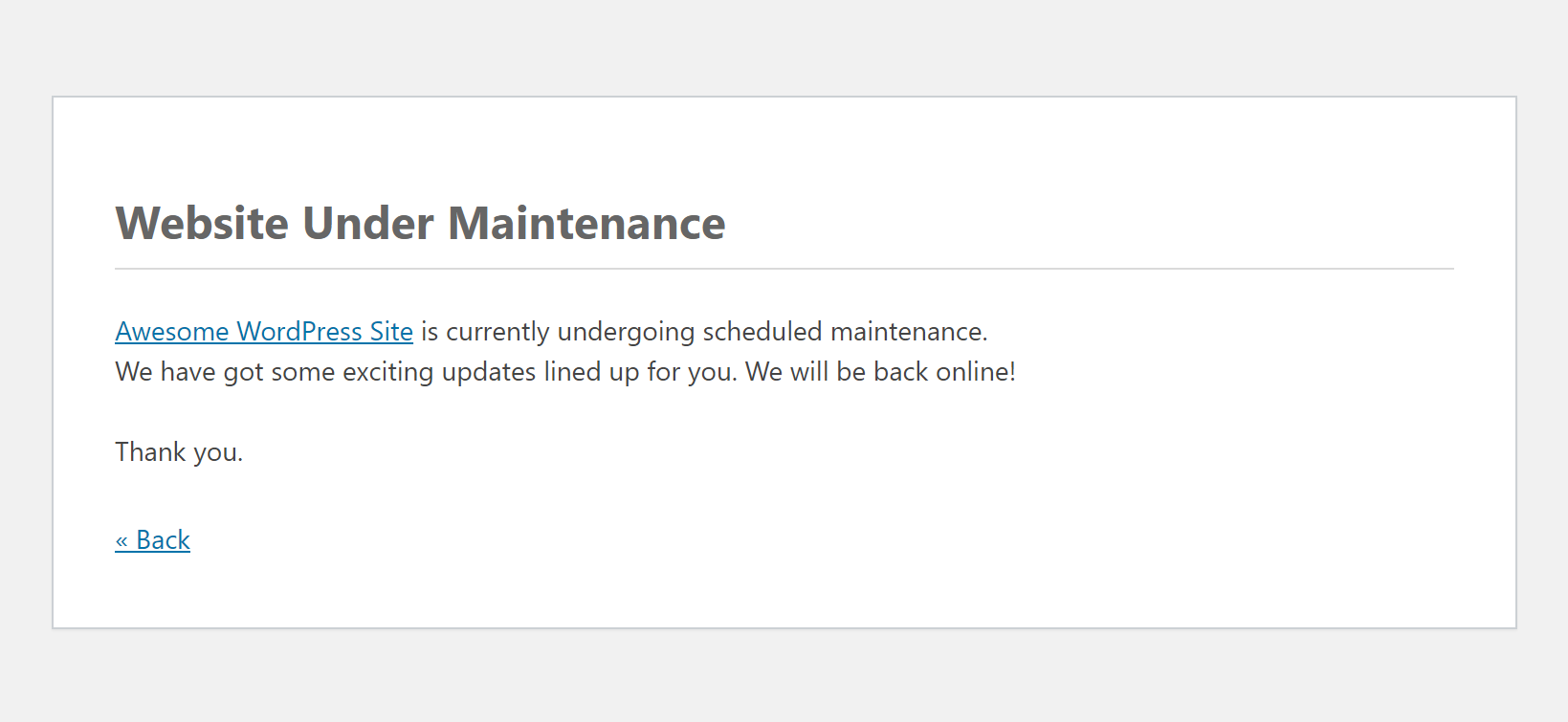
A super simple maintenance mode plugin using native maintenance mode WordPress. This plugin can be easily installed to show a native maintenance mode using default style WordPress. It allows you to maintain your site on the back end by displaying a temporary maintenance page on the front end. The plugin does not require any additional configuration or setup. All you need to do is activate it and maintenance mode will be automatically enabled. It is very lightweight yet powerful.
Features
Simple layout default WordPress
Responsive maintenance mode page
No customizations required
Easier to manage as the maintenance mode can be turned on by activating the plugin
Notify the search engine crawler that the site is down for a limited period of time
Installation
Go to the "Add New" plugins screen in your WordPress Dashboard
Click the upload tab
Browse for the plugin file (native-maintenance.zip) on your computer
Click "Install Now" and then hit the activate button
Alternatively,
Login to your WordPress dashboard.
Go to "Plugin" and click on "Add New" button.
Search for "native maintenance".
Click on Install and Activate.
Komentar (0)
Belum ada komentar. Jadilah yang pertama!
Tinggalkan Komentar